12 sales dashboard examples built for the sales floor.
Every example below is a real frame from GoalHorn, a live sales dashboard for the office TV, with the one question it answers. Leaderboards, team goals with pace, scoreboards, win celebrations and a month replay, in dark and light looks, for sales teams and mortgage branches.
The race, podium, goal and celebration examples run free for up to 5 reps; the rest come with Team.
What makes a sales dashboard example worth copying.
The ones that stay on the wall share three habits.
One question per screen
Who is winning, are we on track, what just happened. A screen that tries to answer ten answers none.
Readable in five seconds
Big names and numbers that someone glancing up from a call can take in without stopping.
Live, with a moment
Numbers that move as deals close, and something that tells the room when they do.
Leaderboards and goals.
The standings and the target: what most sales dashboards are for.
 Who is winning?
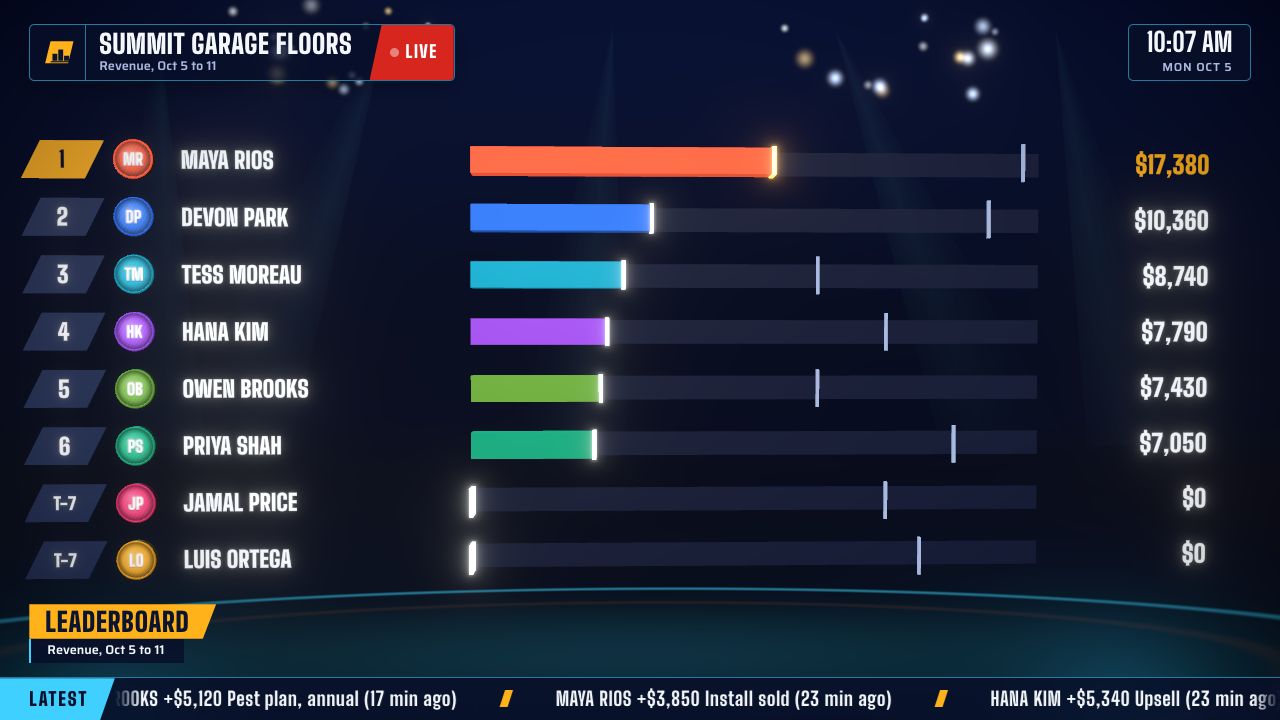
1. Revenue leaderboard
Every rep ranked by revenue, bars racing toward the lead, each rep's goal marked on the bar. The dashboard most sales floors start with.
- Who is winning, in a bright room?
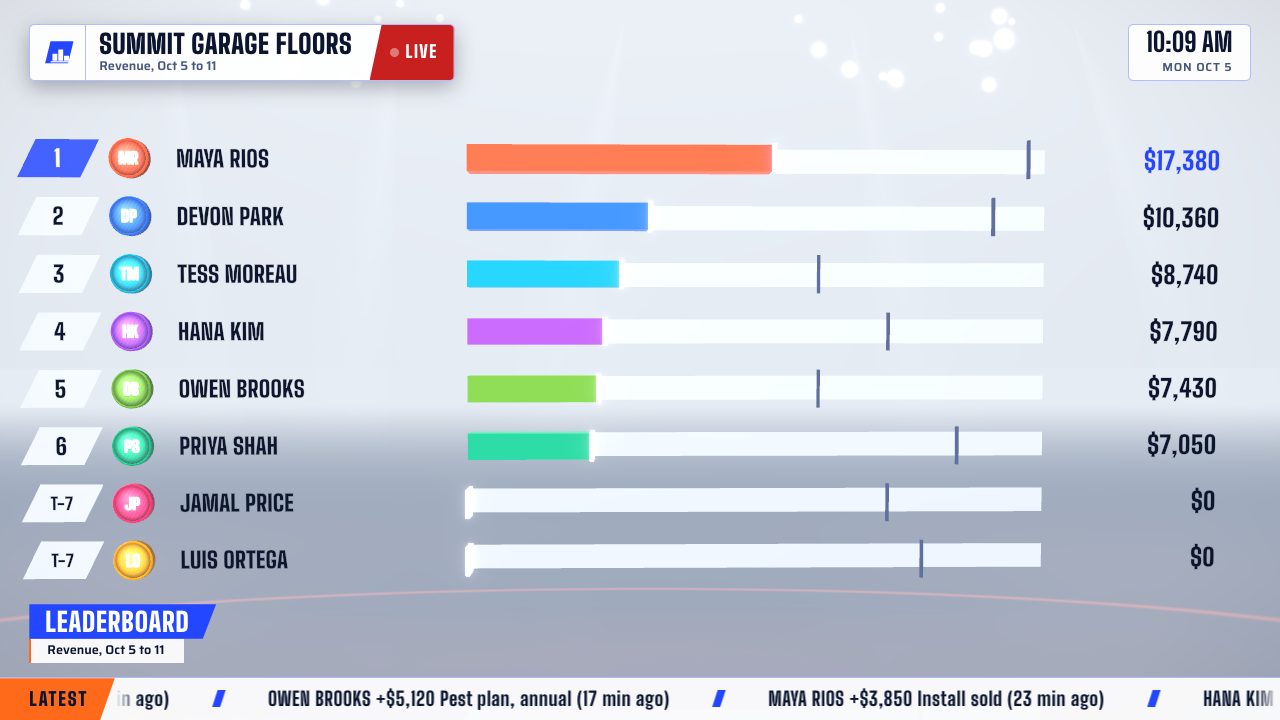
2. Leaderboard for a bright office
The same race on a light background that stays readable under office lights and next to windows.
 Which loan officer leads?
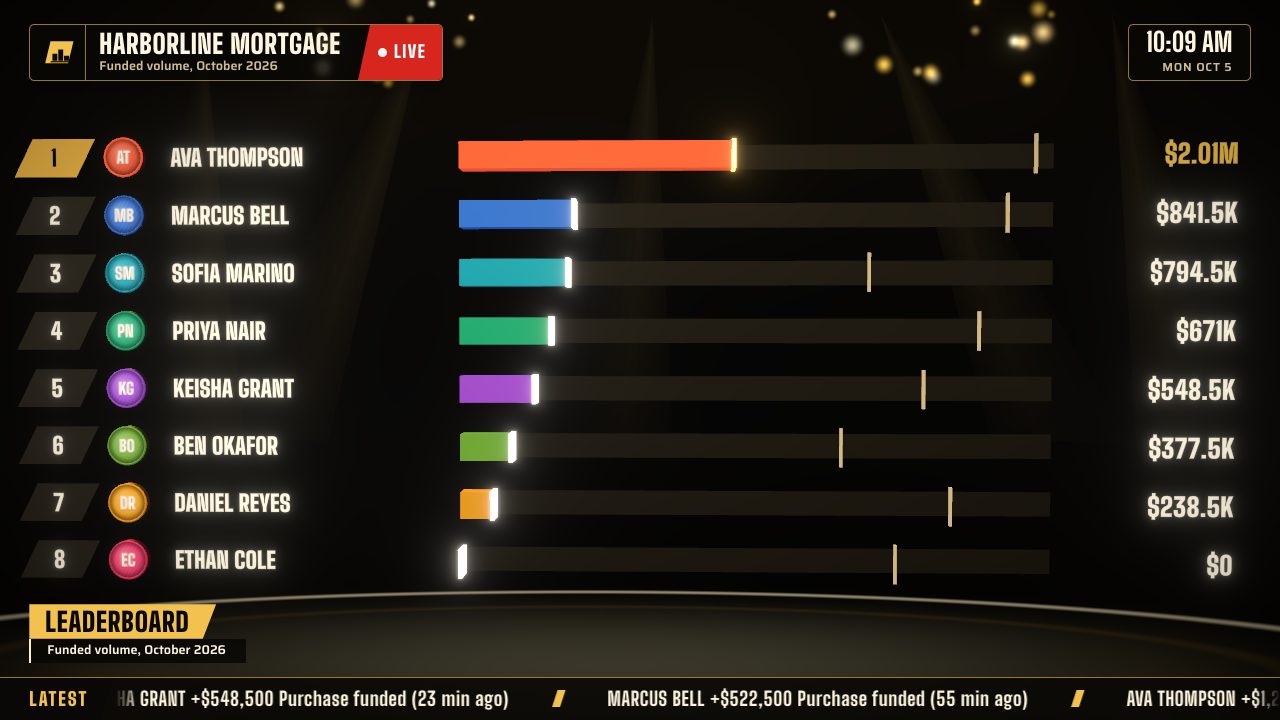
3. Loan officer leaderboard
Funded volume by loan officer for the month, in black and gold, with each officer's goal marked on their bar.
 Who are the top three?
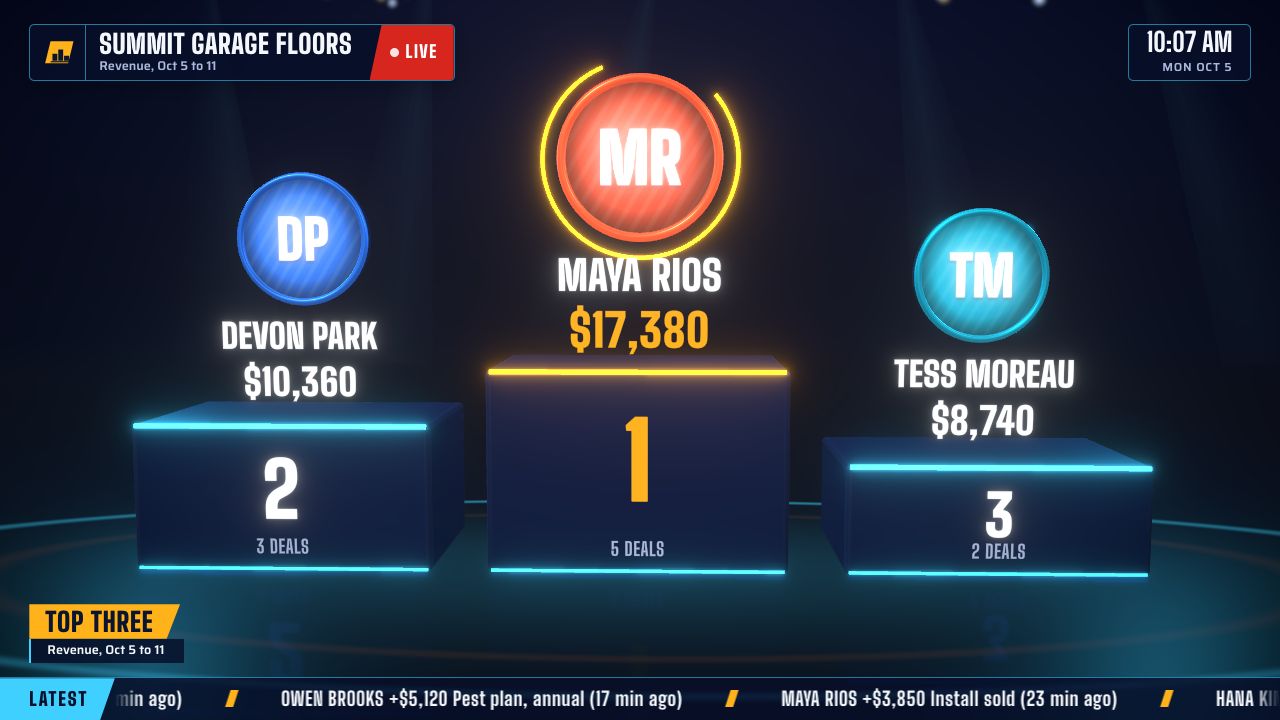
4. Top-three podium
The week's or month's top three on a lit podium with photos or initials and totals. Readable from anywhere in the room.
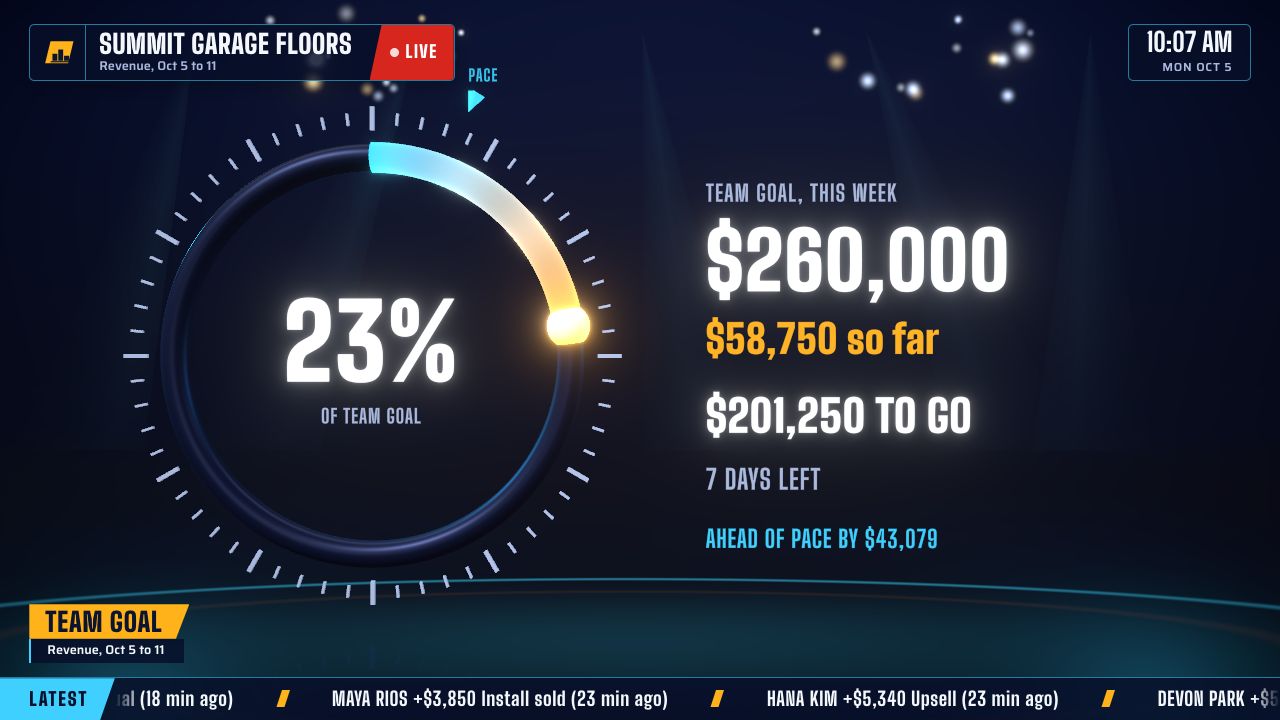 Are we on track?
5. Team goal with pace
One ring toward the team's target, with what is left, the days left and a pace marker that says ahead or behind.
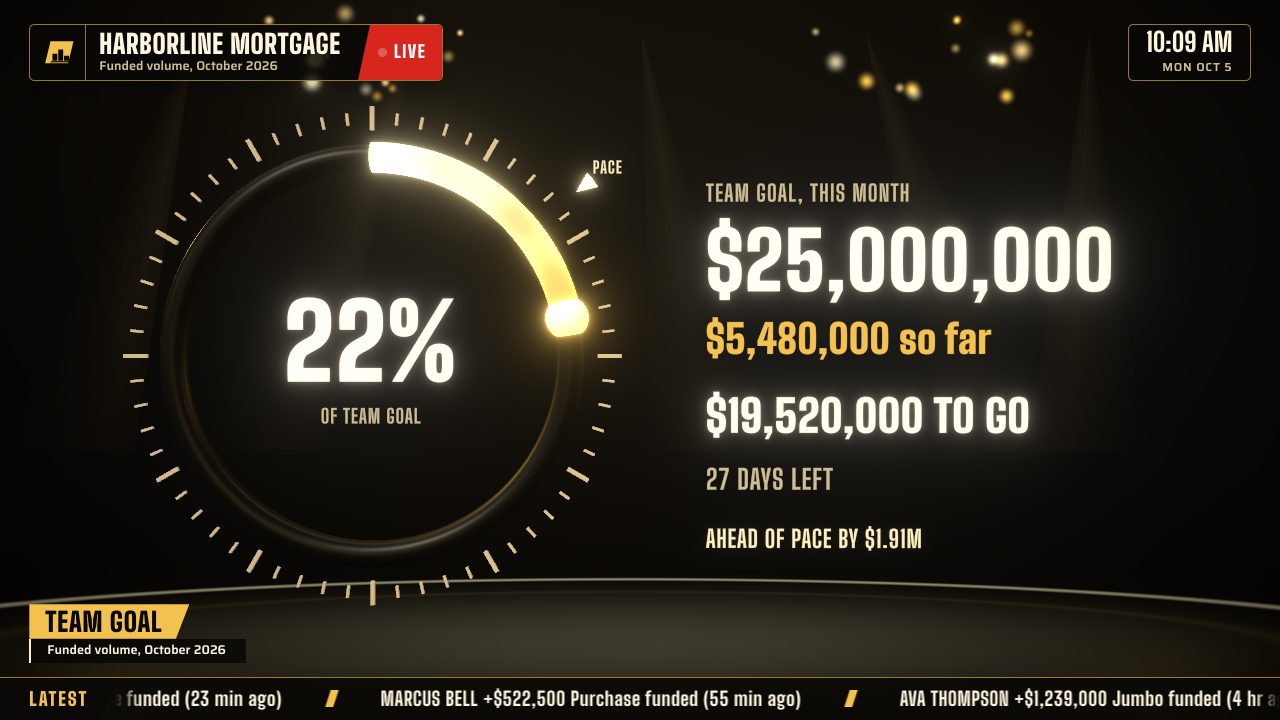 Will the branch hit its number?
6. Branch funding goal
The month's funded volume against the branch target, for mortgage teams that win or lose together.
Scoreboards, feeds and celebrations.
The screens that keep a room looking up between the standings.
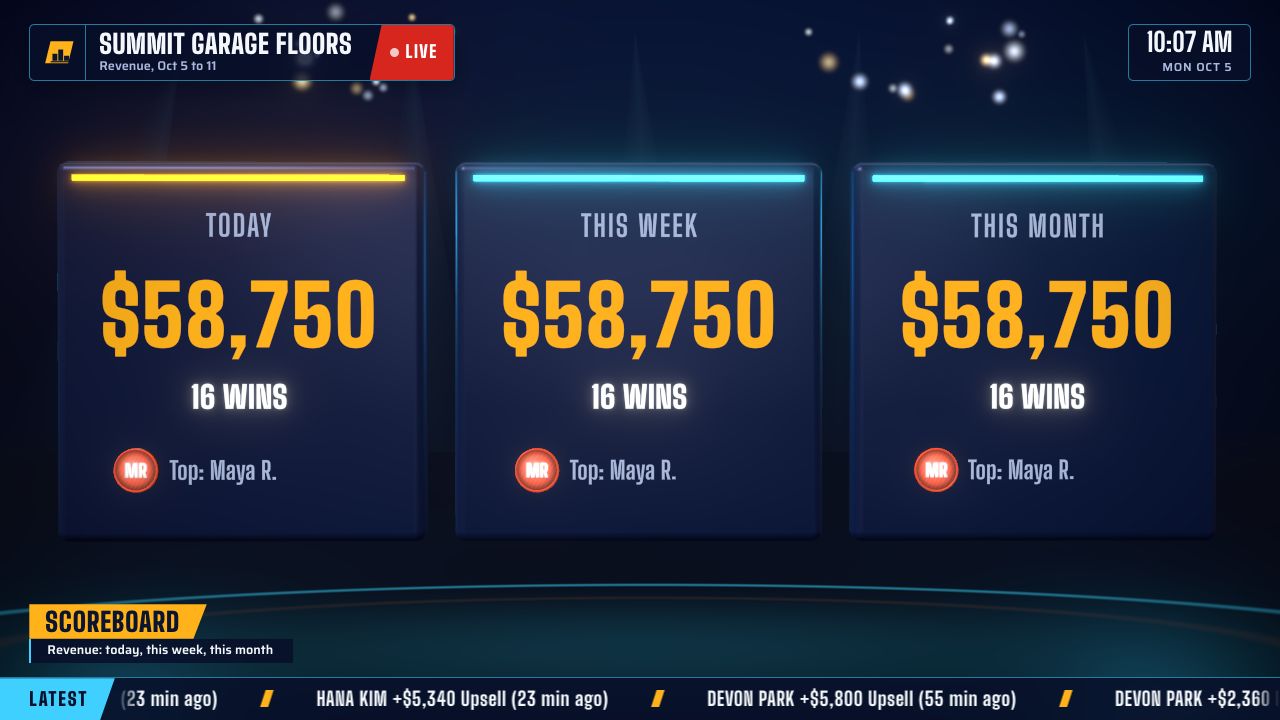 How are we doing?
7. Sales scoreboard
Today, this week and this month side by side, with the top rep in each. The sales KPI dashboard for the morning meeting.
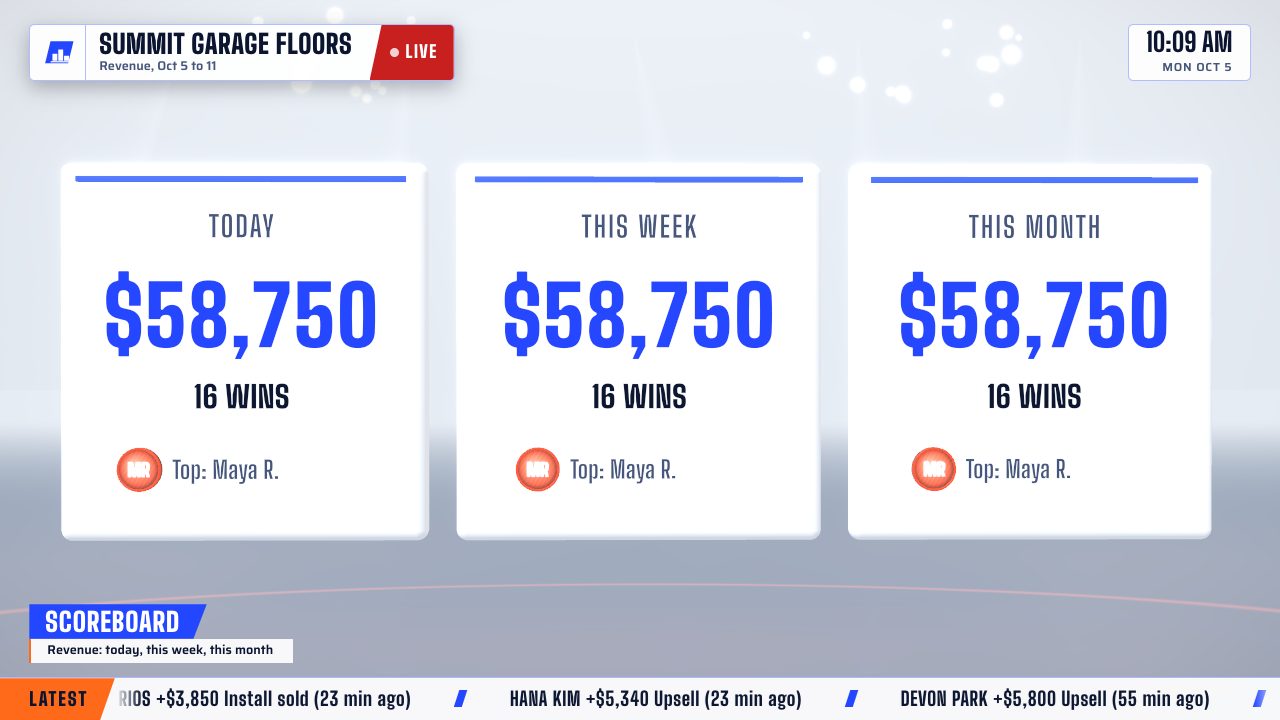 How are we doing, at a glance?
8. Daylight scoreboard
The scoreboard in the light look, for a front office or a showroom with big windows.
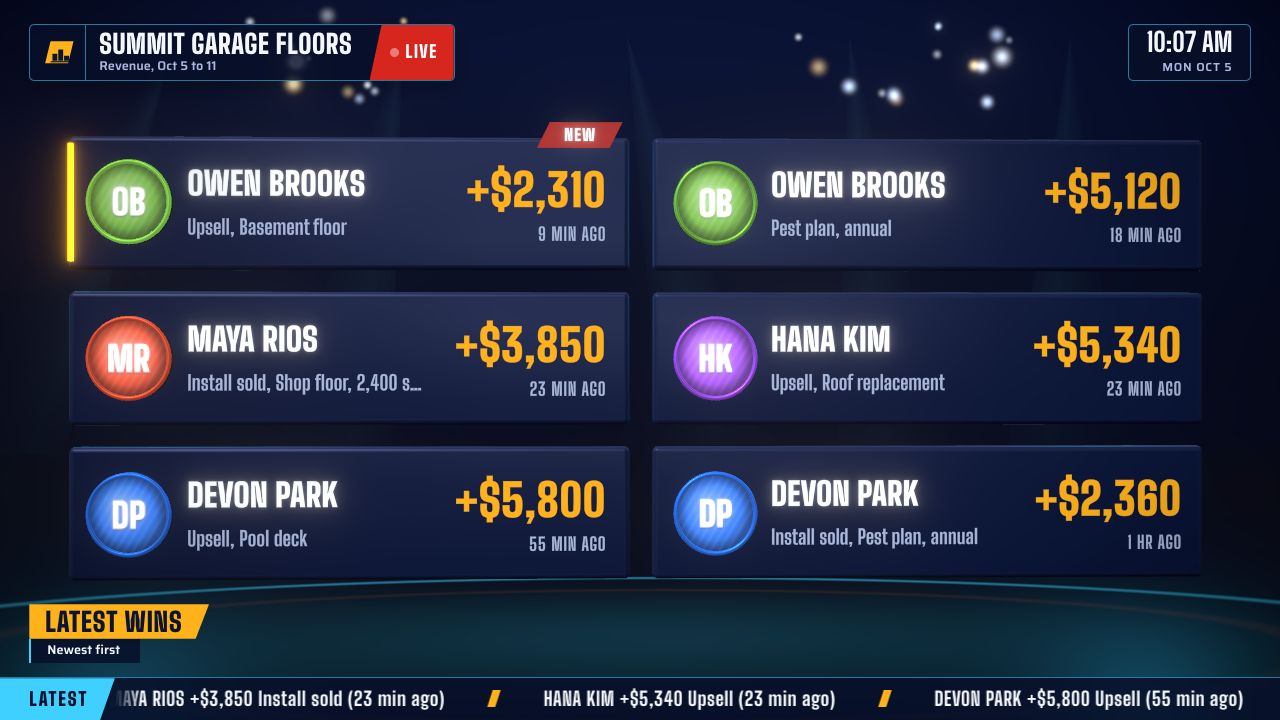 What just happened?
9. Latest wins
The newest deals as cards: who, how much, what sold and how long ago. Good for a second screen by the door.
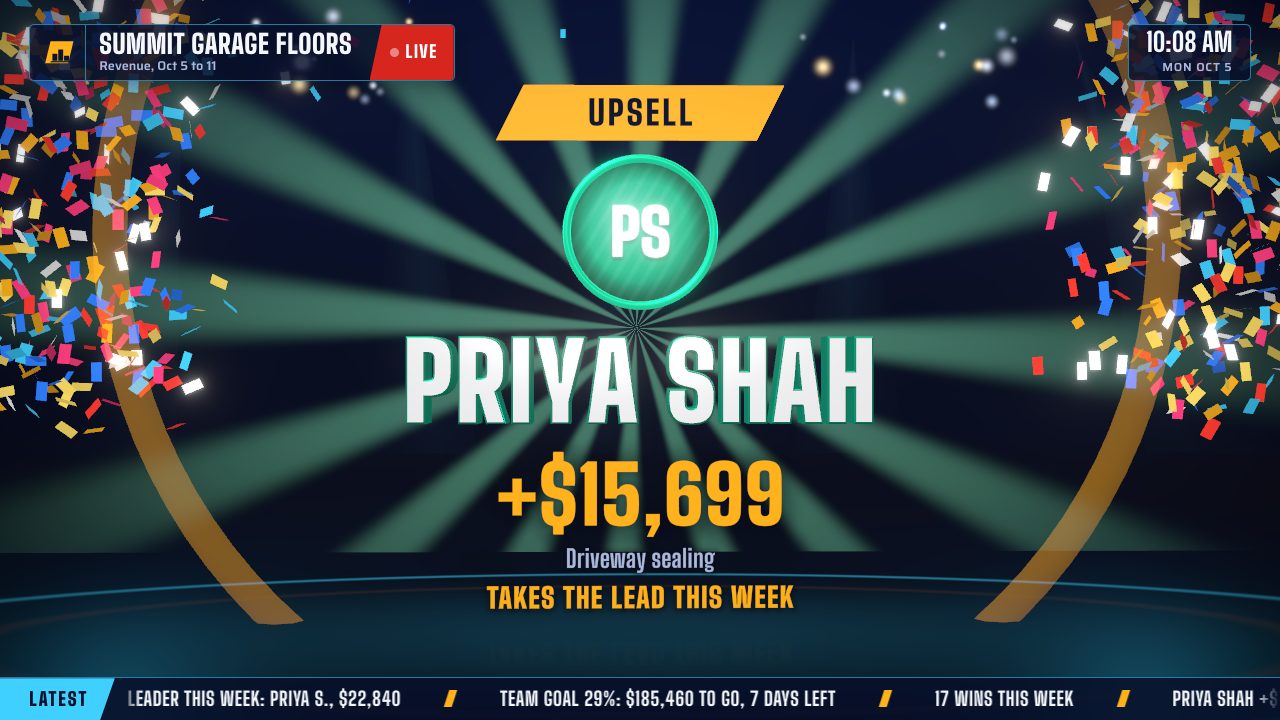 Who just closed?
10. The win celebration
The moment a deal lands, the screen cuts to that rep: name in big letters, the amount counting up, confetti and a sound.
 Did that change the standings?
11. A win that moves the race
A celebration that names what sold and what it did to the standings, here a rep moving up to second for the week.
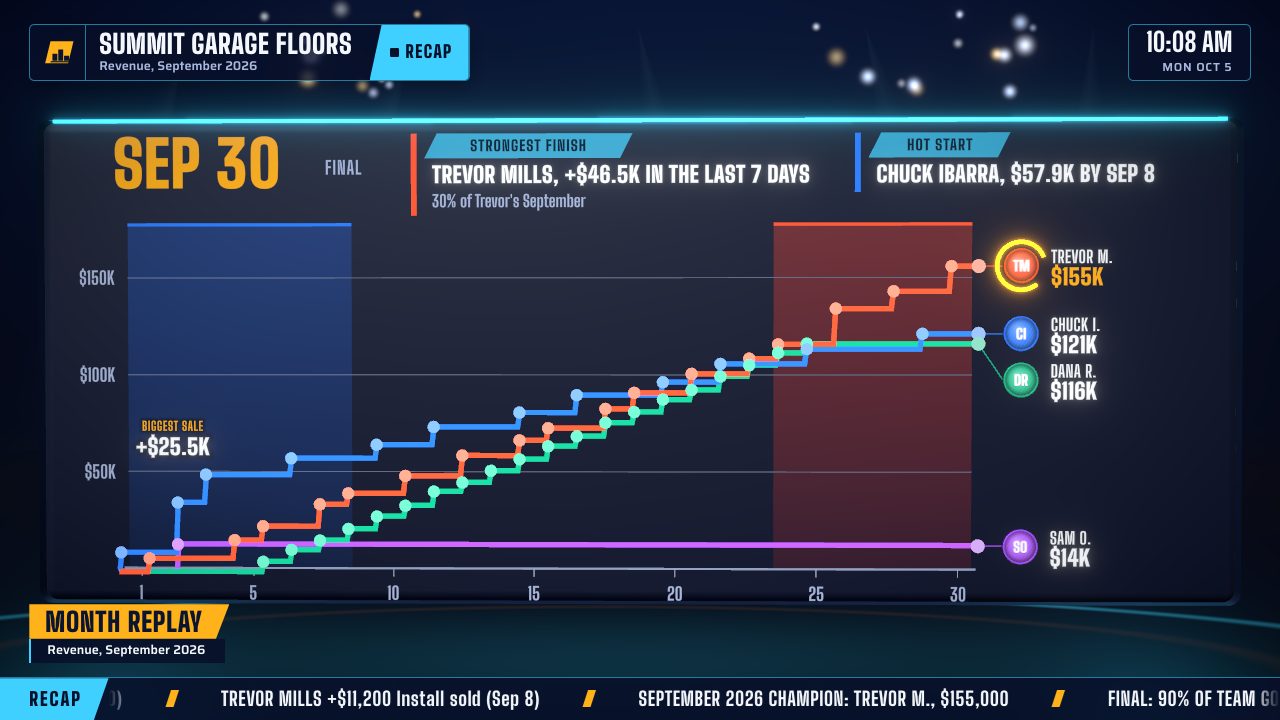 How did the month go?
12. Month replay
The month raced back day by day in about 20 seconds, ending on the strongest finish and the hot start.
Examples for a manager's desk.
These belong in your CRM or a BI tool rather than on the wall, and GoalHorn does not draw them.
Comparing tools for them? See the five kinds of sales dashboard software.
Pipeline dashboard
Open deals by stage, value and age, to spot where deals stall.
Forecast dashboard
Committed and best-case deals against quota for the quarter.
Activity dashboard
Calls, emails and meetings by rep, for coaching rather than celebrating.
Win rate and cycle length
How often and how fast each rep turns opportunities into deals.
Run these on your own TV.
Every example above is a scene and a look you pick in GoalHorn. About five minutes from a sheet to the screen.
Start a sheet of wins
One row per win: date, rep and amount. Start from the free sales tracker template.
Feed it from your CRM
Zapier, Make or a GoHighLevel workflow adds the row when a deal is won.
Pick the scenes and the look
Let the scenes rotate, or hold one. Arena on every plan; Daylight and Gold, the Replay and the full scene set on Team.
Open it on the TV
Paste the TV link into the screen's browser and press Start once. See which TV hardware works.
One flat price for the whole floor.
Not per rep and not per screen. Monthly, cancel any time.
Free
One board for up to 5 reps, with the podium, race and goal scenes and a celebration for every win.
Team, $49 a month
Every rep on the board, every scene including the Replay, every look and sound, and no GoalHorn mark.
Floor, $149 a month
Up to three boards for different teams or offices, your own celebration sound, and rotating between two numbers.
Want to try it with your own team first? Ask for a 14-day trial key.
Sales dashboard questions.
What is a good example of a sales dashboard?
A live sales leaderboard is the most common: every rep ranked by revenue or deals, updating as deals close. Pair it with a team goal that shows pace, and a celebration when a deal lands, and you have the dashboard most sales floors watch.
What should a sales dashboard show?
Revenue or units against the goal with pace, a ranking of reps, and the latest wins. Managers' dashboards add pipeline, forecast and win rate. Keep a TV dashboard to a few big numbers that read from across the room.
What is the difference between a sales dashboard and a sales report?
A report answers a question once, usually at a desk: how did last quarter go. A dashboard keeps answering the same questions live, like who is leading and whether the team is on pace, often on a screen the whole team sees.
Are there free sales dashboard templates?
Yes. The free sales tracker and leaderboard template on this site has an Excel workbook and Google Sheets formulas. Point GoalHorn at the same sheet and the race, podium, goal and celebration examples run live, free for up to 5 reps; the rest come with Team.
How do I build one of these dashboards?
Keep a Google Sheet with one row per win (date, rep, amount), filled by your CRM through Zapier, Make or a GoHighLevel workflow. Paste the sheet's link into GoalHorn, pick the scene and the look, and open the TV link on the office screen.
Put an example on your own wall.
Free for up to five reps. $49 a month flat when the whole team is on it.